Configure, don't customise
Out-of-the-box, configuration, low-code, extensions and customisation are not the same thing. Why the difference decides your total cost of ownership, and how to keep customisation down.

Here's the confusion I see every day when people talk about MES customisation.
Everyone wants a system that "fits our processes". Vendors say their product is "fully flexible". And nobody defines what they mean. So let me break it down.
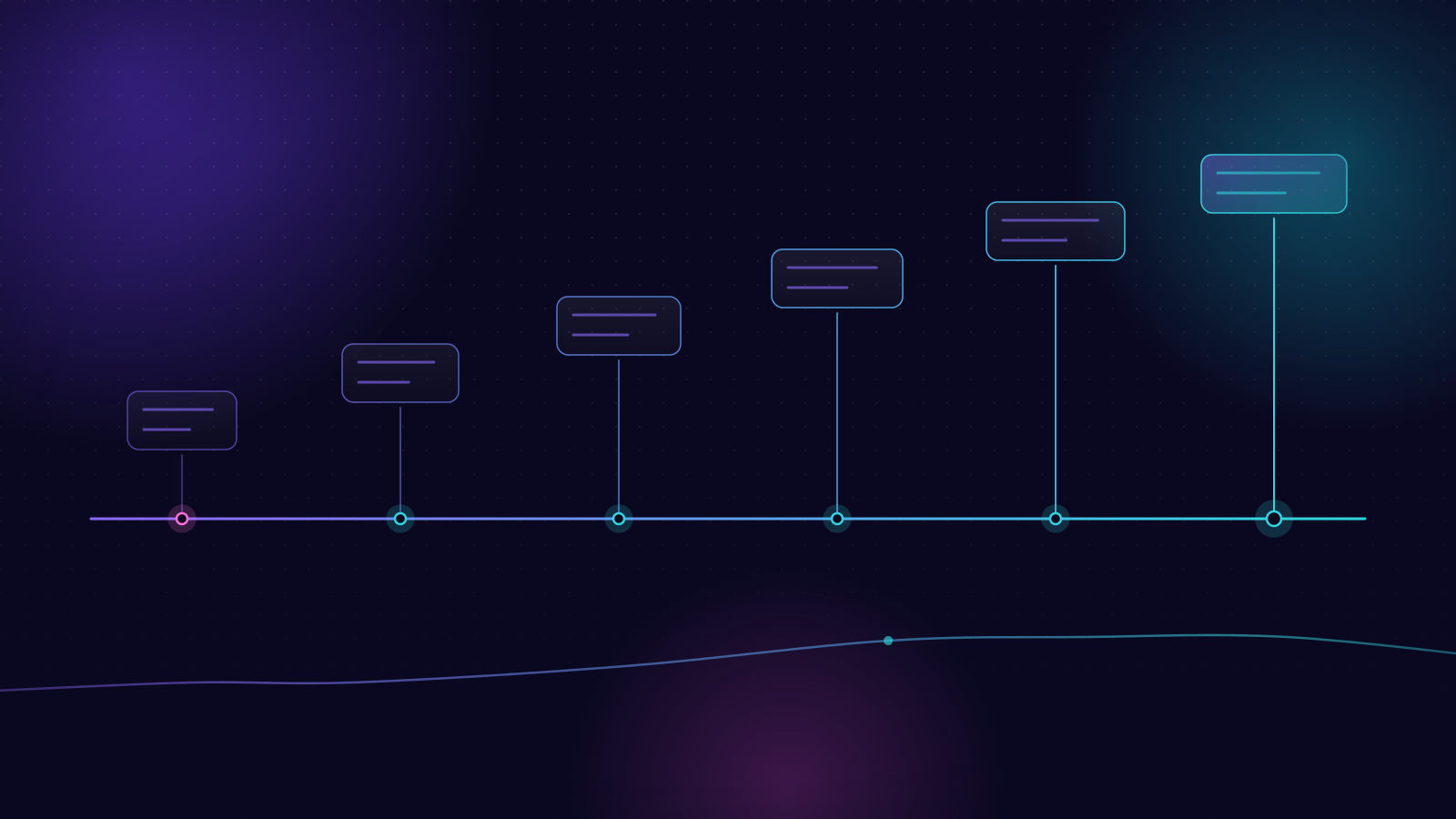
The six levels
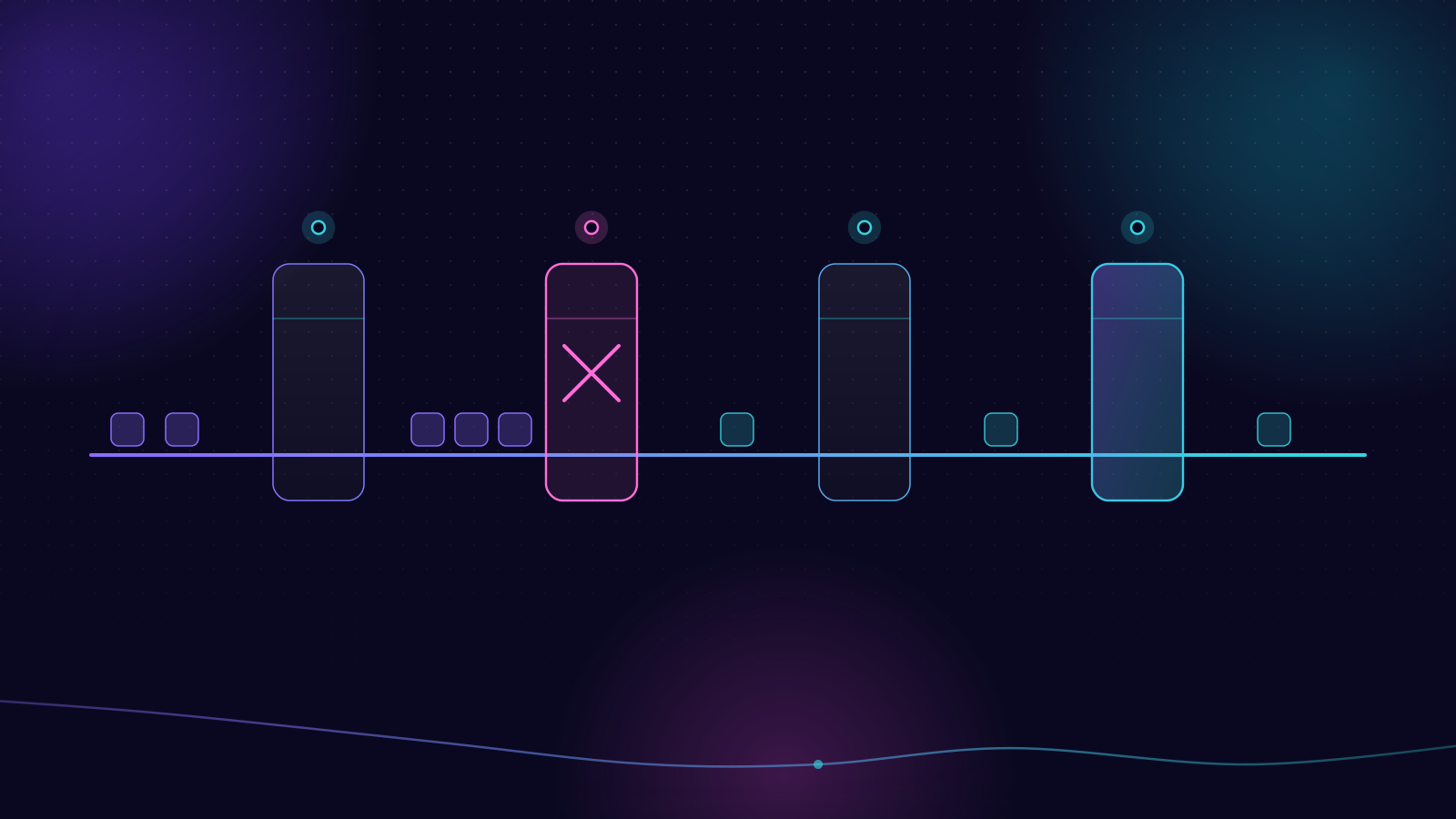
Out of the box. Pre-configured content. Turn it on, add your master data and you're running. Ideal for standard dashboards, reports and common processes.
Configurable. Settings you switch on and off to make the system work your way. No code needed. But you do need proper training and thought to set up master data and settings correctly.
Low-code and no-code. Drag-and-drop builders for business logic, screens, dashboards and reports. Great for more complex needs without writing actual code.
Integrations. MES/MOM connects to almost everything: ERP, APS, WMS, automated vehicles, shopfloor equipment, sensors, metrology. Some integration work is inevitable. Pick a system with strong, standard integration options.
Extensions. Overrides that change behaviour without touching the underlying product code, and work in a standardised, supported way.
Customisations. Changes to the product to support specific business logic. This is where it gets expensive. Hard to maintain, hard to upgrade, and they'll cost you for as long as you run the system.
Why the distinction matters
Every customisation is code that has to be specified, built, tested, documented and then retested with every upgrade. It creates a dependency on specific developers. And very often, it encodes a bad process into software rather than fixing the process.
Less mature systems often look cheaper upfront. But the total cost of ownership grows fast as customisations pile up. You pay again at every upgrade, or you stop upgrading and get stuck on an old version.
Your processes probably aren't unique
I hate to break it to you, but unless you're doing something truly niche, your manufacturing processes are not unique.
What might be unique are your business processes around manufacturing. And a lot of what feels unique is habit, comfort and workarounds that grew over the years.
So you have a choice. Adapt to the system, have the system adapt to you, or a mix. If it's a mix, you need to decide the mix deliberately.
How to keep customisation down
Pick a mature, configurable platform from the start. The more you can achieve through configuration, the less you'll need to customise. But be realistic: you won't remove customisation completely, especially for integrations with third-party software.
Assess every gap with an open mind. For each point where you'd need to deviate from how the software works, ask: is this business-critical and must work exactly as before? Or could a process change or some training close the gap, so we use the software the standard way?
Adopt best practice. A mature MES/MOM is built around what works across hundreds of factories. Insisting on your way regardless isn't smart. It's stubborn.
Have strong project management on both sides. Vendor and manufacturer. Someone needs to say no, politely and often, to requests that recreate the old system in the new one.
A warning sign
If a vendor tells you everything needs to be custom-built, be wary. That's a sign of an immature product, or of requirements that haven't been challenged.
And if your own team is pushing for heavy customisation, challenge them. Are we customising because the process genuinely requires it, or because we're unwilling to change the process?
What's the one part of your process you're most worried an off-the-shelf system won't handle?

Matt Barber
VP & General Manager for MES at Infor. Started as an MES developer, then ran projects, solution design and product. Writes about the smart factory, shopfloor AI and the MES/MOM foundations underneath them.